01
Read · Timeline
See your investment thinking over time
Timeline is the authenticated home. Start with real entries in chronological order, then filter only when you need to find a narrower thread.
Open TimelineHow to Use
Capture a thought, revisit it on your Timeline, and compare perspectives without leaving the same workflow.
You do not need to learn every screen at once. Start with your history, capture the next thought, then compare when another perspective helps.
Read · Timeline
Timeline is the authenticated home. Start with real entries in chronological order, then filter only when you need to find a narrower thread.
Open TimelineCapture · Quick Diary
Open Quick Diary from the app navigation to record a market read, emotion, risk, or next move. Use the full Diary editor only when the entry needs more structure.
Open Quick DiaryCompare · Pair View
Switch from My Timeline to Pair View, choose a sharing partner, and compare both entries side by side without learning a separate tool.
Open Pair ViewTrade Basic keeps capture, chronological reading, comparison, and review in one trail. You do not need perfect predictions; you need evidence you can revisit.
Capture
Use Quick Diary for the market read, emotion, risk, or next move. Add structure later when the decision needs more context.
Revisit
Timeline puts real diary entries first so you can follow how a thesis, risk, and decision changed over time.
Compare
Choose a sharing partner and line up same-day entries side by side. Neither viewpoint is scored or declared correct.
Review
Revisit thesis, risk, and execution. After trades close, inspect realized P/L and win rate by strategy and emotion.
Start on Timeline after signing in. The other pages handle capture, search, planning, holdings, review, or collaboration when you need them.
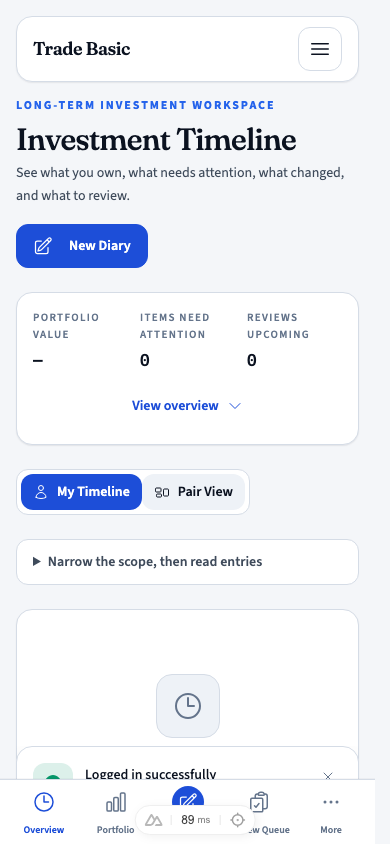
Timeline
The authenticated home. Read your actual diary entries in chronological order, then switch to Pair View when you want another perspective.
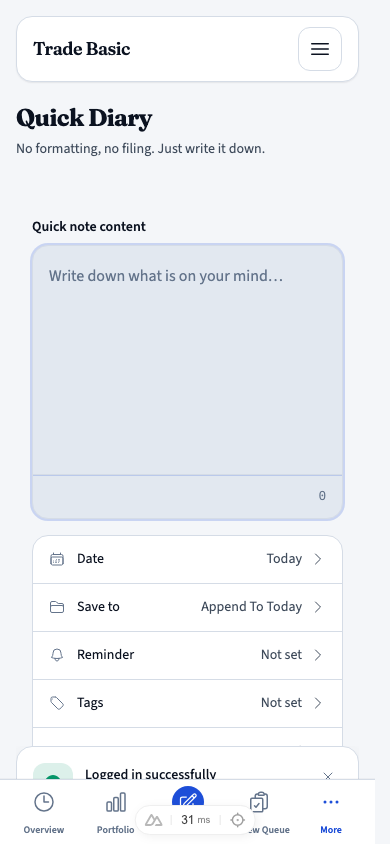
Quick Diary
The fastest capture point. Choose a template, date, tags, and reminders, then create a diary or append to today.
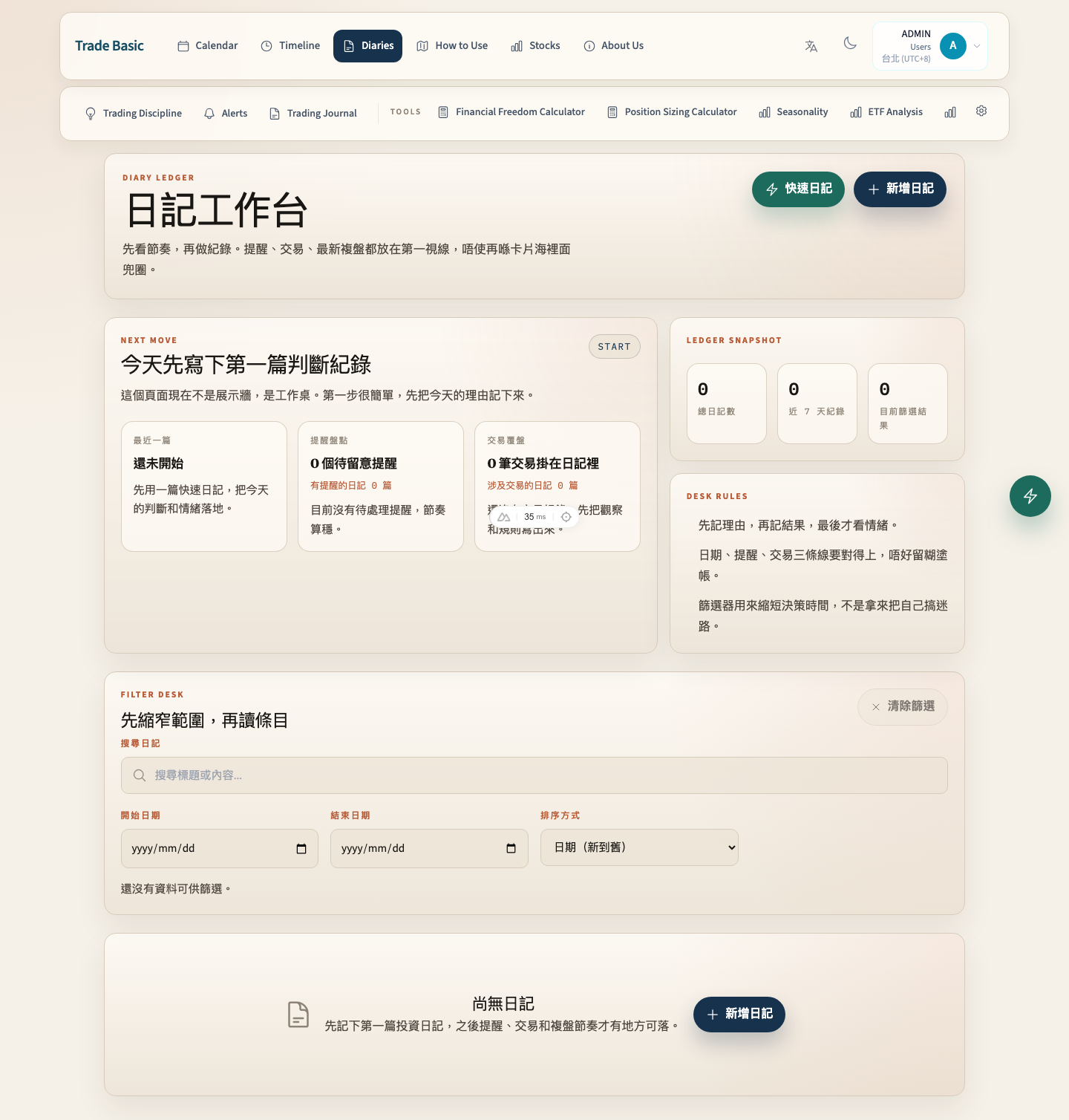
Diaries
Search, filter, sort, and manage full records. Timeline is for reading history; the library is for finding and maintaining it.
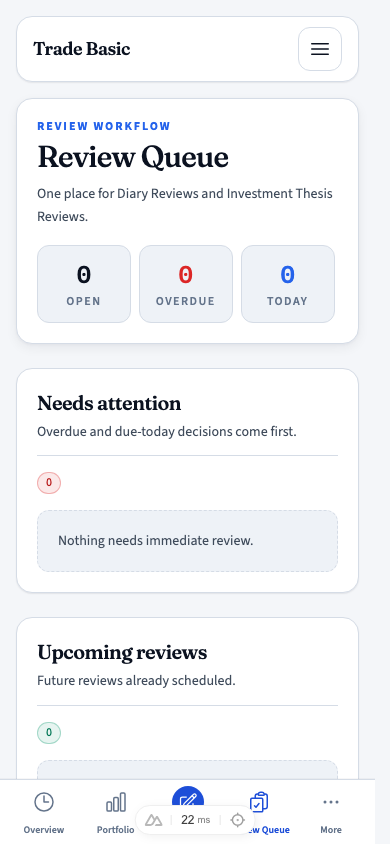
Review Queue
Work through unscheduled, overdue, today, upcoming, and completed reviews. Revisit thesis, risk, execution, and outcome.
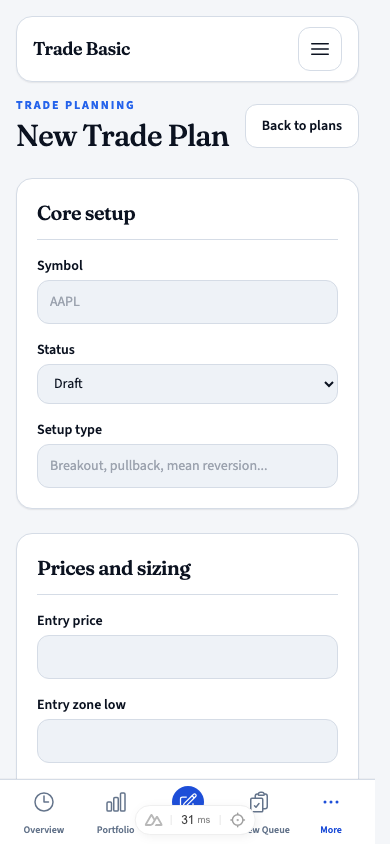
Trade Plans
Write entry zone, stop, target, maximum size, and invalidation before the market makes you improvise.
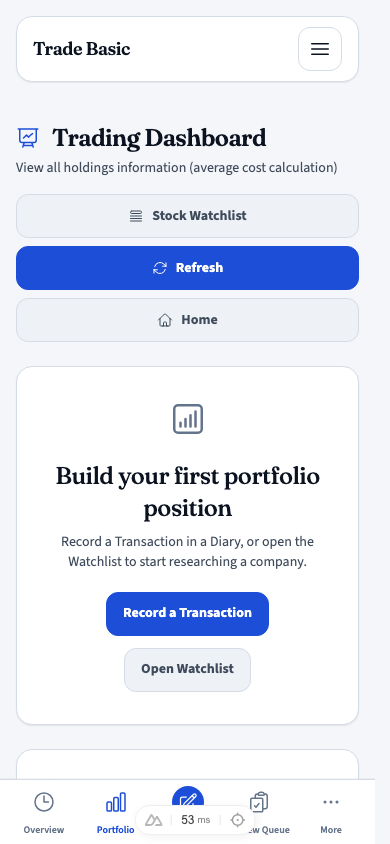
Holdings
Track market value, unrealized P/L, allocation, and concentration. Holdings remain private even when you share with a partner.
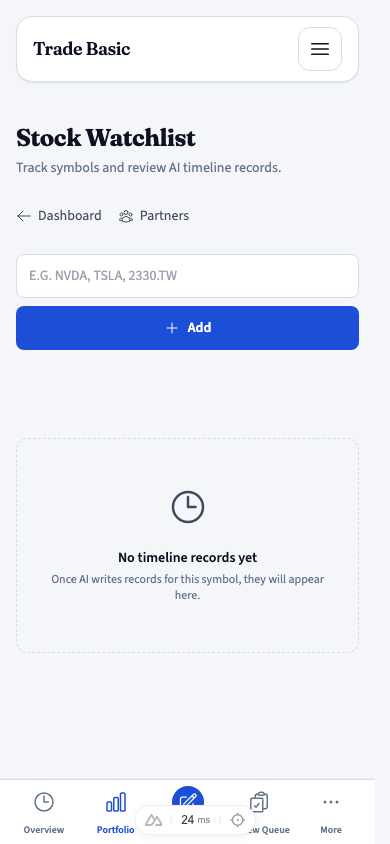
Watchlist
Track symbols, open their stock timeline and current Stock Note, then reorder or archive what you are watching.
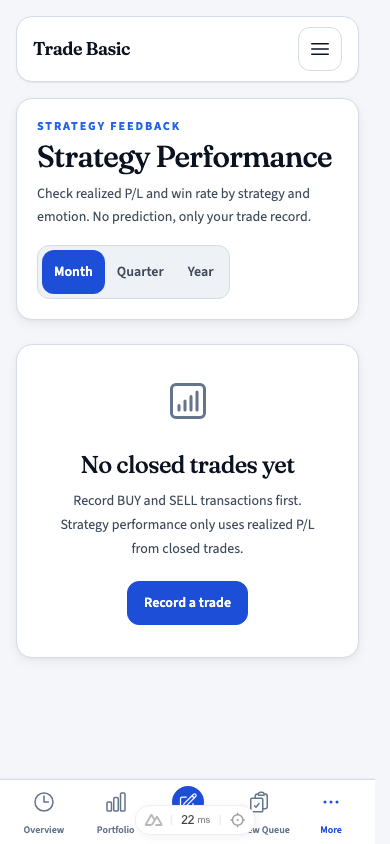
Strategy Performance
Review realized P/L and win rate by strategy and emotion for closed trades. No predictions — just your record.
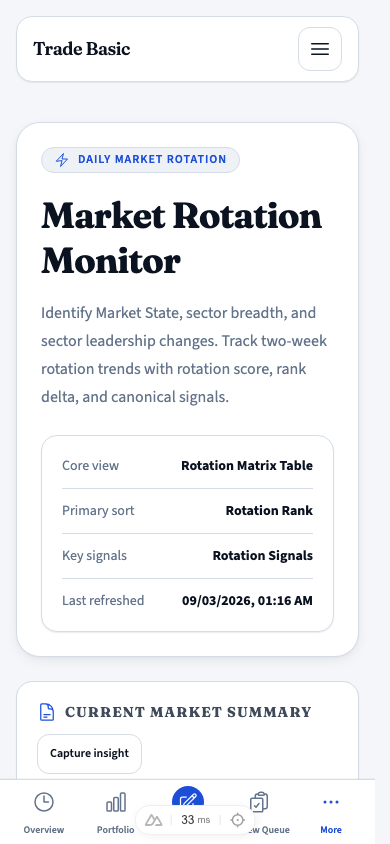
Market Rotation Monitor
Read Market State, sector breadth, rotation ranks, and two-week changes across ETF universes. It is research, not a holdings list.
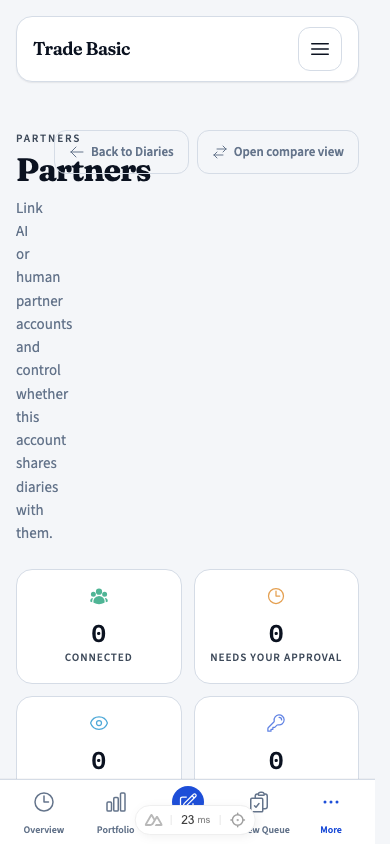
Partners
Invite a human or AI partner and control diary sharing separately from stock-note sharing. Holdings stay in your account.
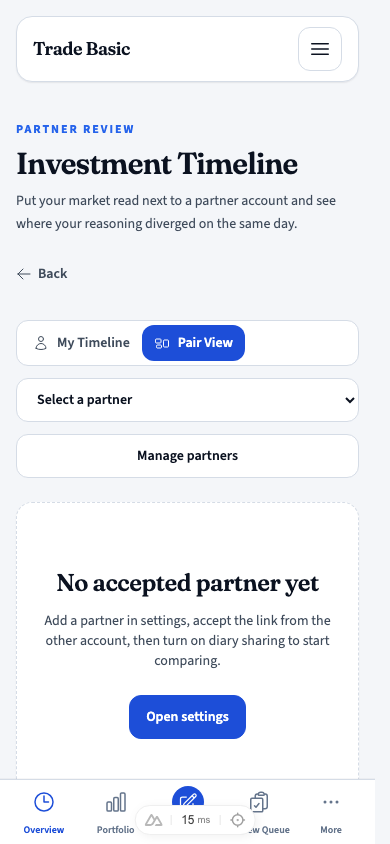
Partner Review
A Timeline reading mode. Choose an accepted sharing partner and compare same-day diaries side by side.
Tools sit beside the diary workflow. Name the problem first, then choose the one tool that helps; you do not need to study them all at once.
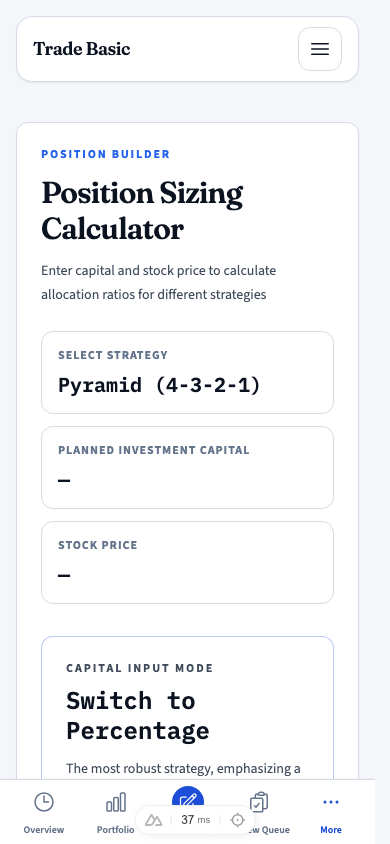
Position Sizing Calculator
Enter capital, price, and risk parameters to estimate a sensible scaling position. Carry the result into a diary or trade plan.
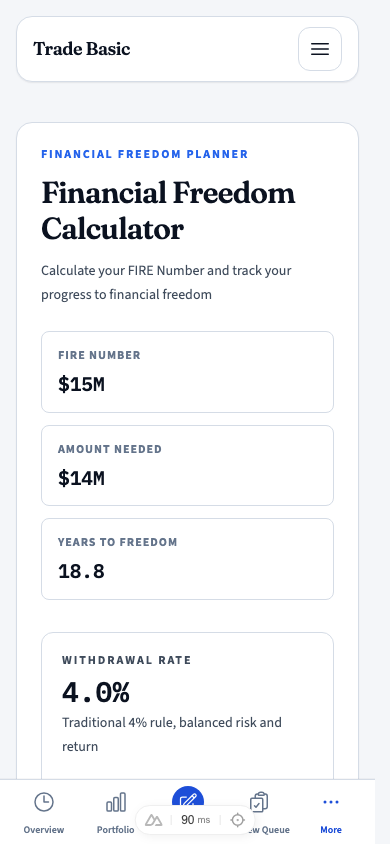
Financial Freedom Calculator
Estimate a FIRE target from expenses, return, and withdrawal assumptions. It is a planning reference, not a return guarantee.
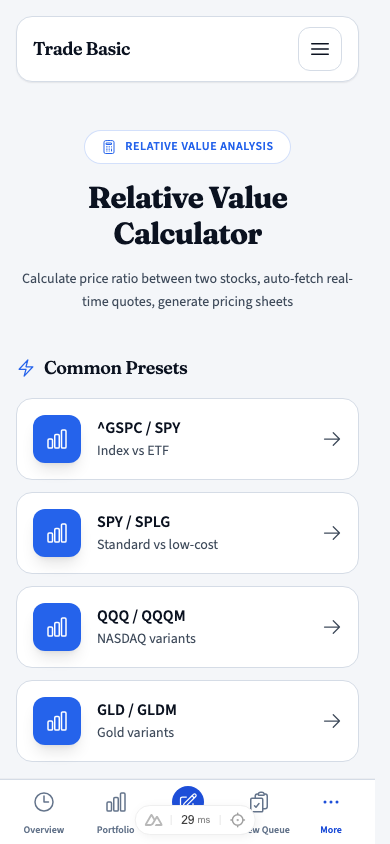
Relative Value Calculator
Put two symbols into the same price context to compare relative strength and target-price differences.
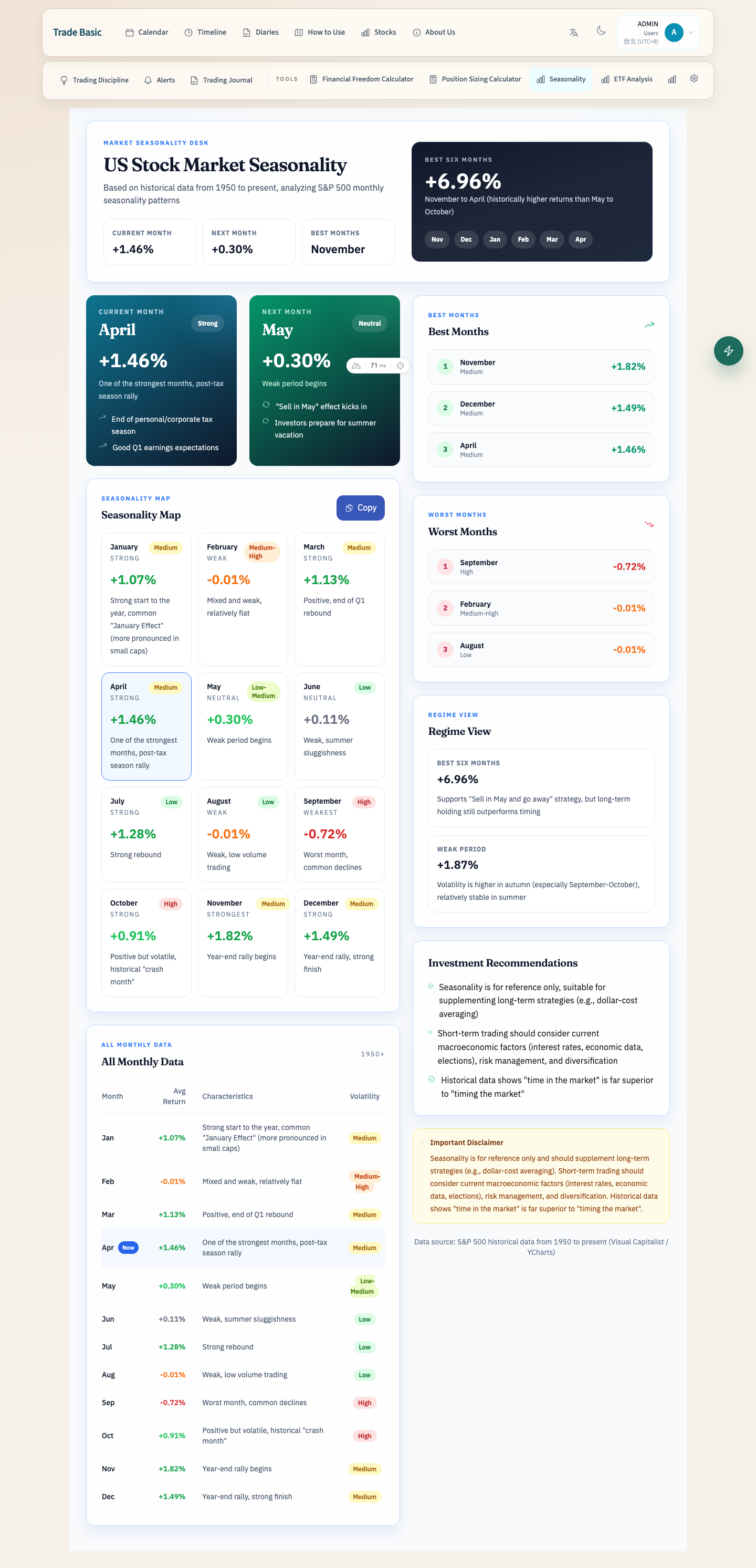
Seasonality
Use historical monthly data to see seasonal strength, best months, and weak months as context — not a guarantee.
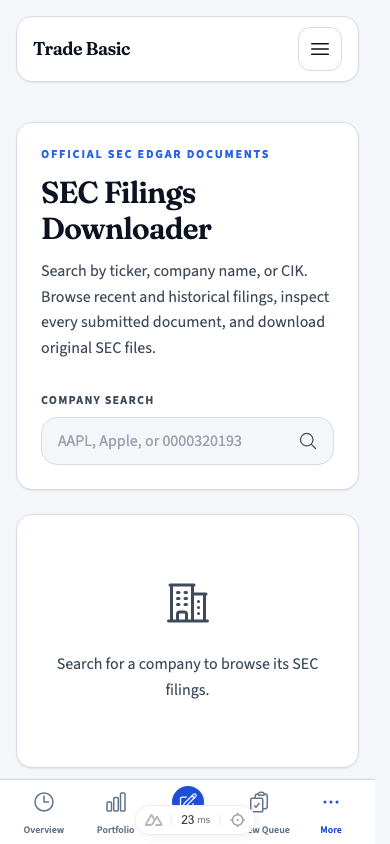
SEC Filings Downloader
Search official SEC EDGAR filings, inspect submitted documents, and download originals or batch ZIPs.